Press kit
Everything you need to write about PowerMate. Use the material freely; a link to powermate.atelieras.dev is appreciated.
In one sentence
PowerMate is a free macOS menu bar app that shows how your MacBook’s battery ages and keeps your Mac awake, and promises nothing macOS doesn’t allow.
Description
PowerMate shows how your MacBook’s battery ages over time, and what you can do about it. A lean menu bar app that promises nothing macOS doesn’t allow: everything it shows or switches can be verified on the system.
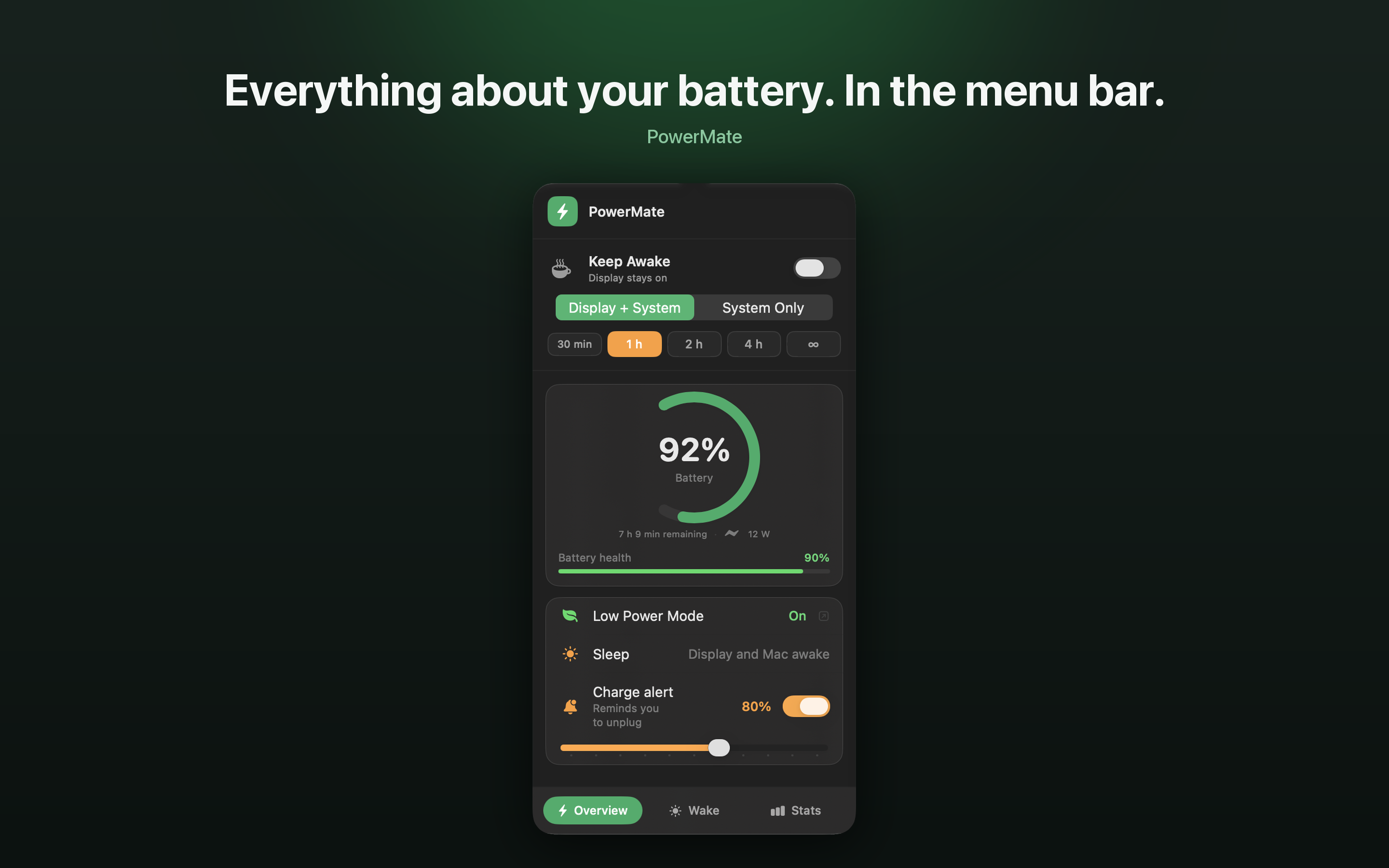
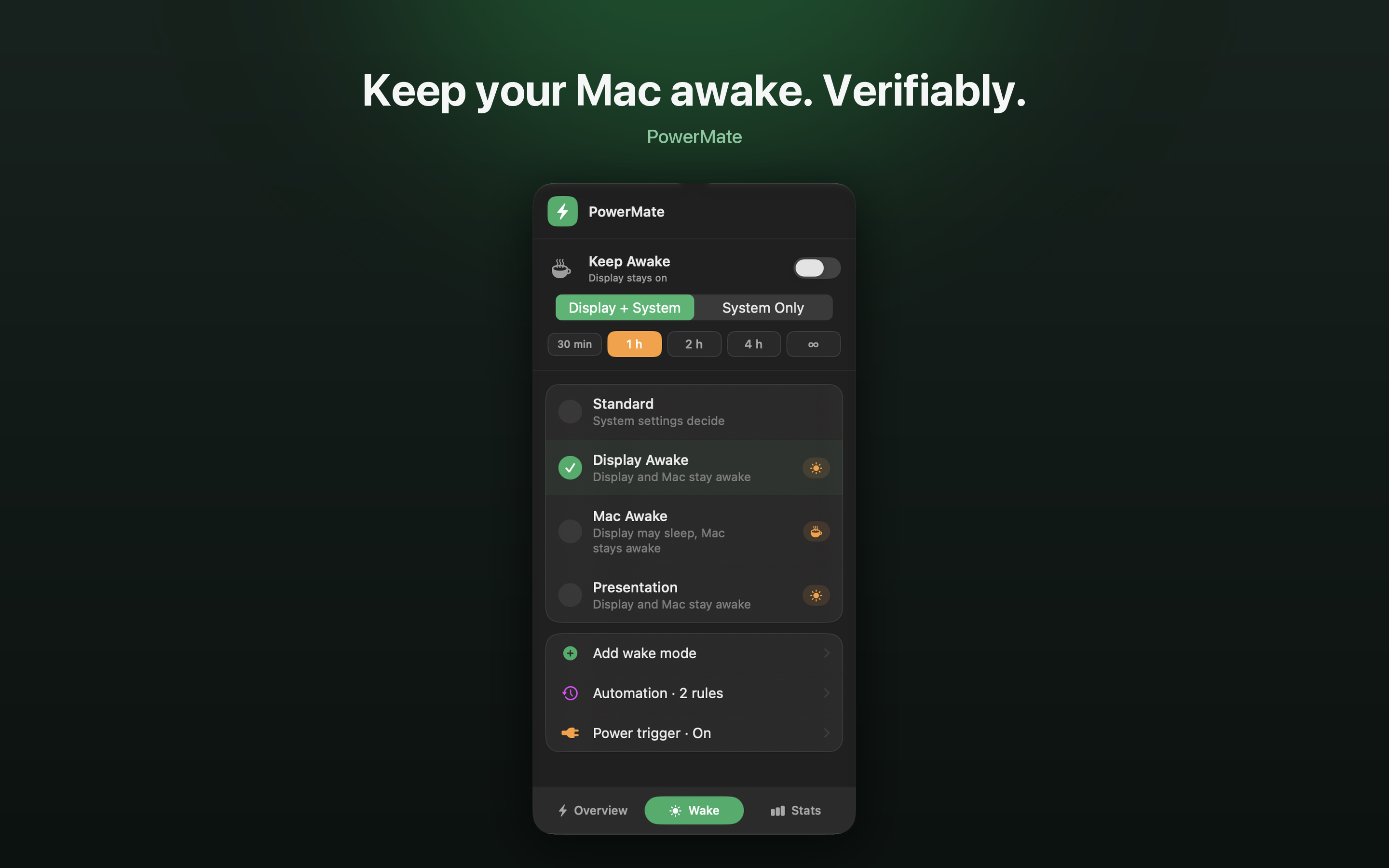
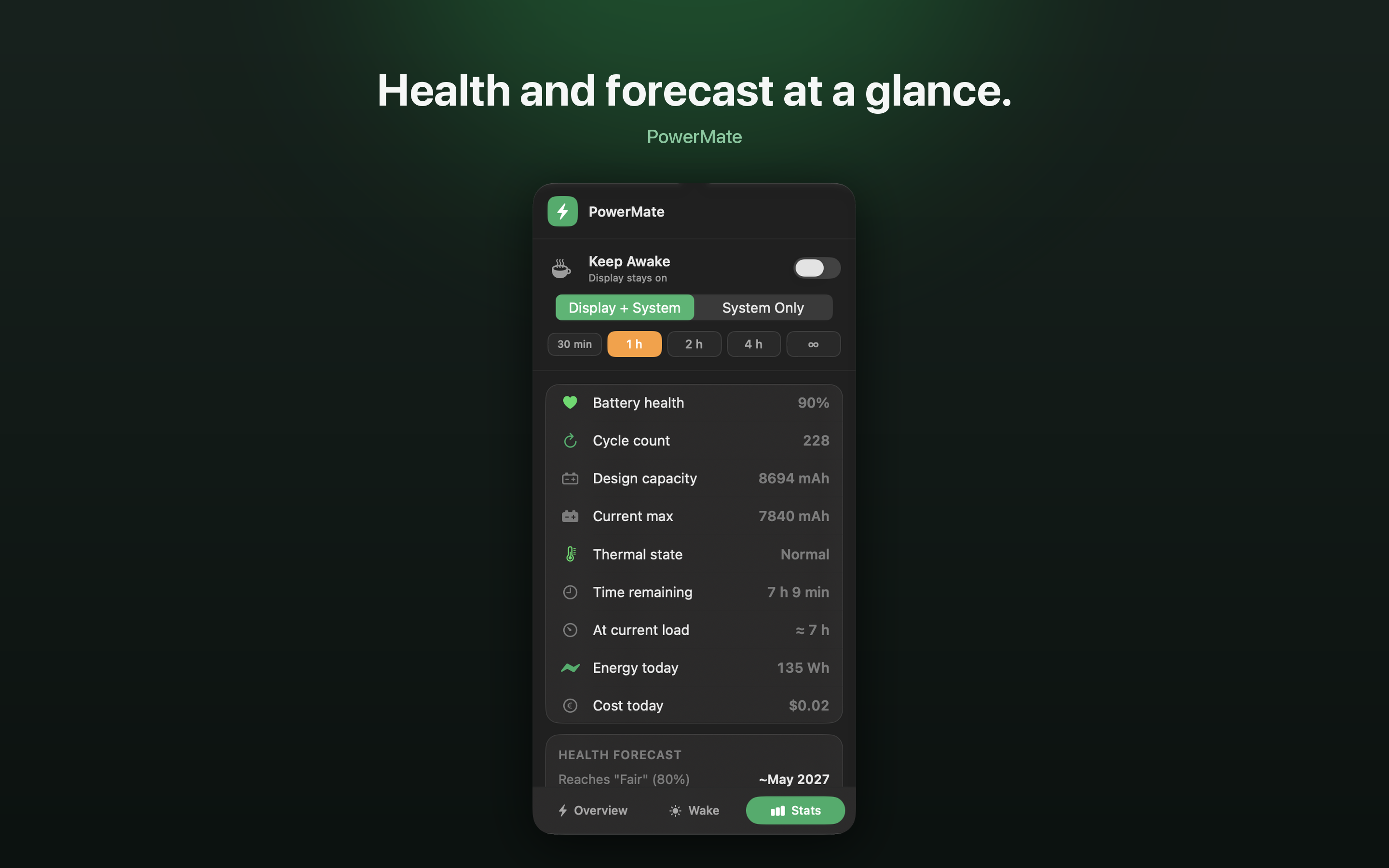
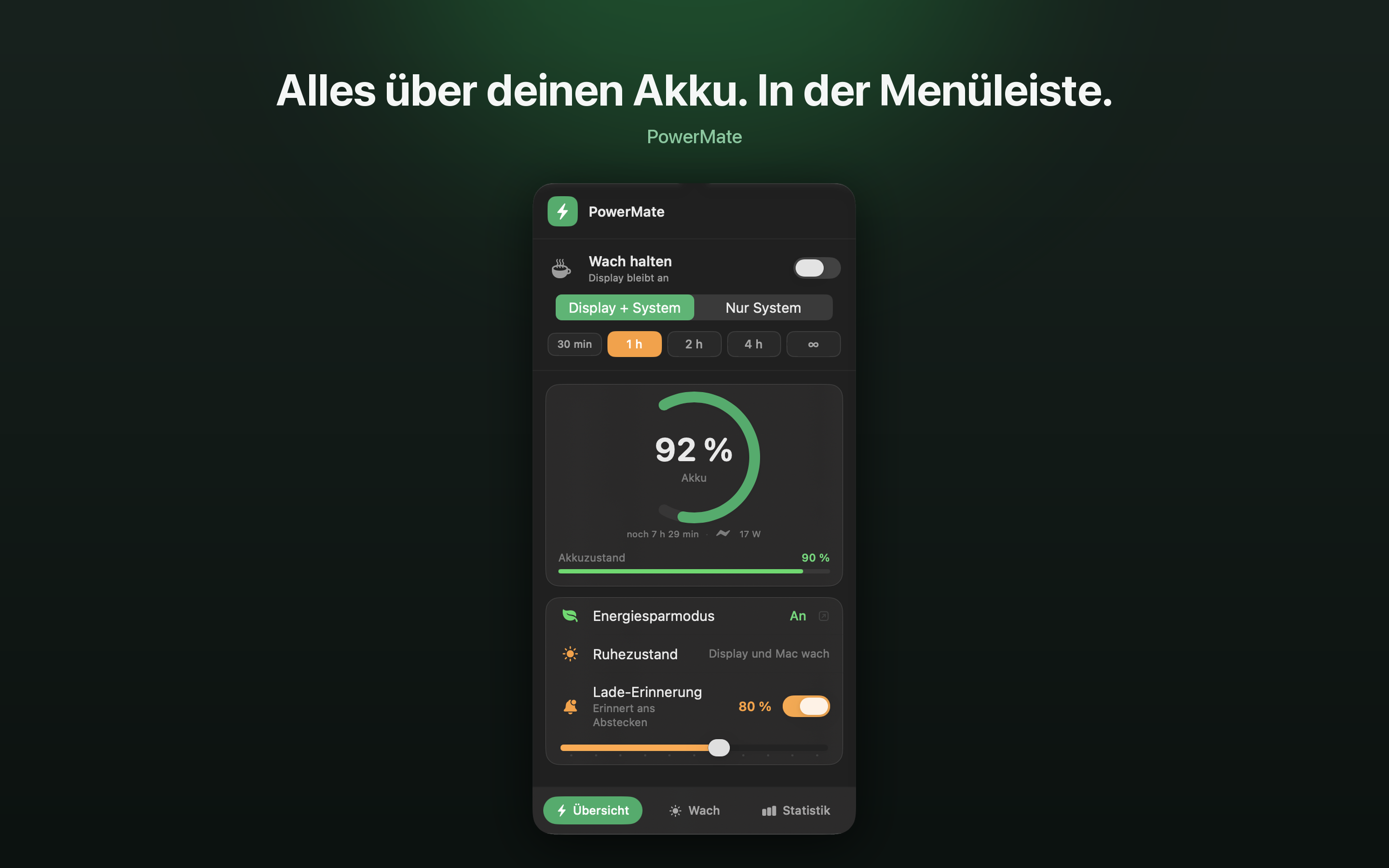
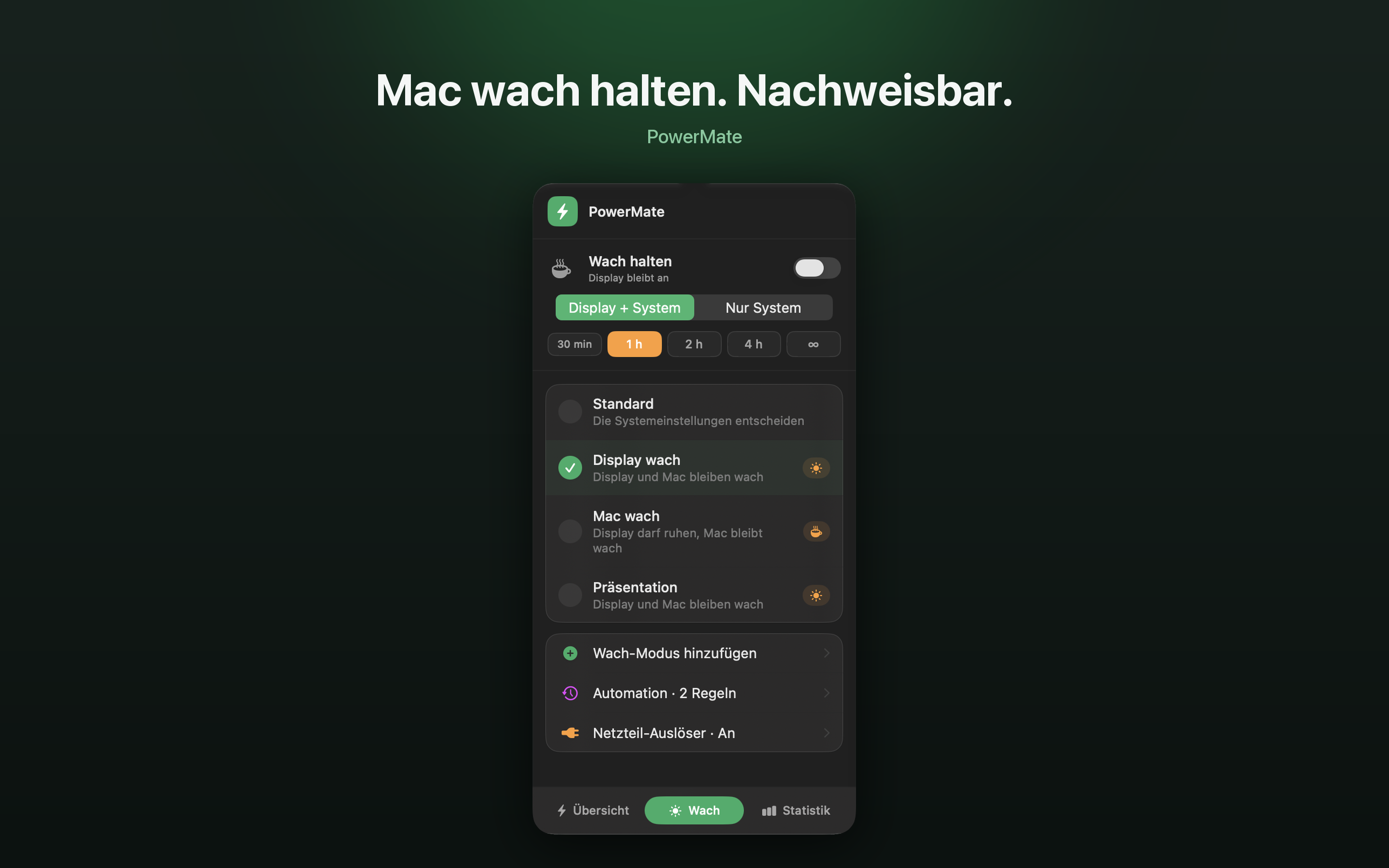
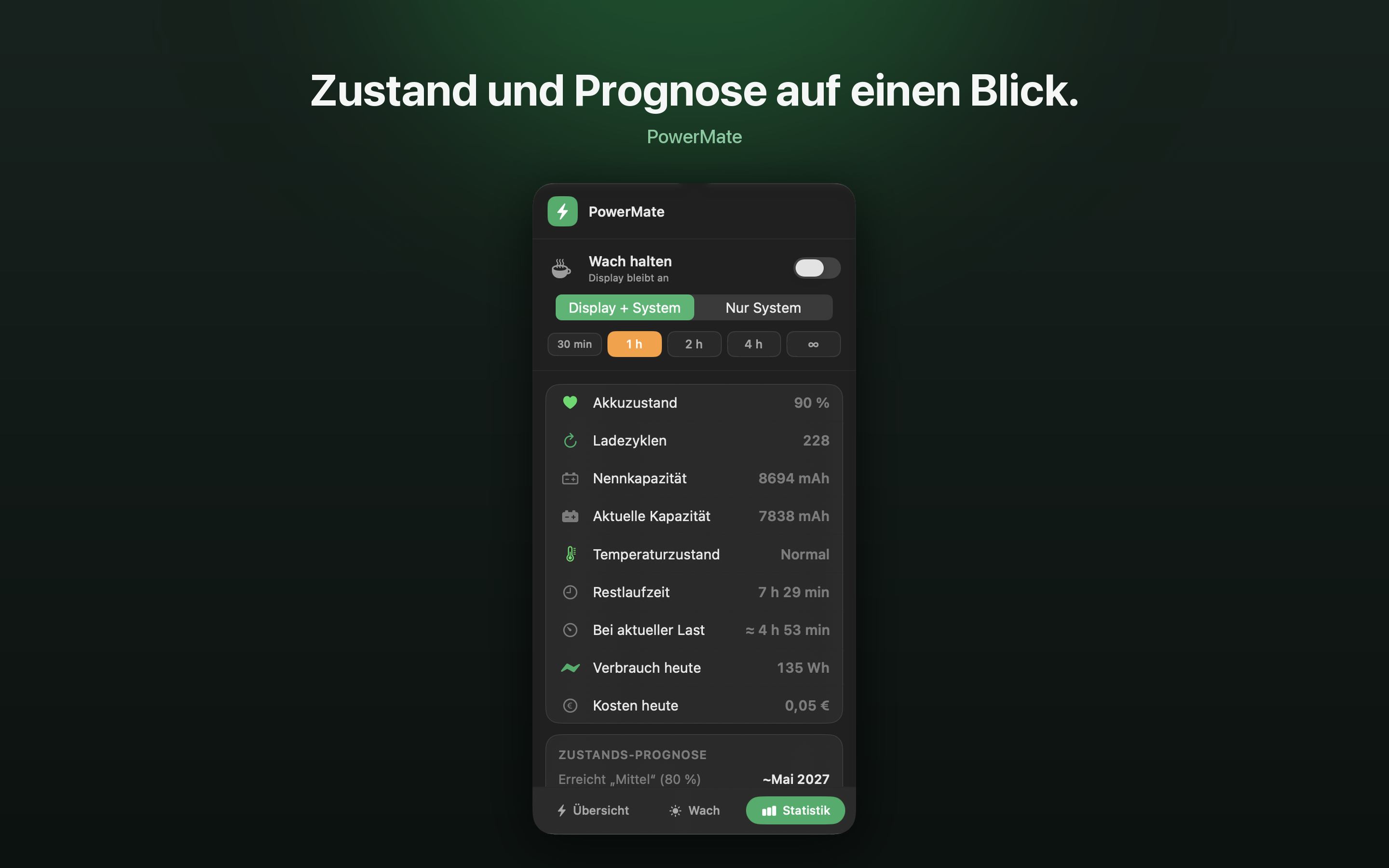
A click on the battery icon in the menu bar shows charge level, time remaining, power draw and battery health; cycle count, capacity and temperature are one tab over. It also shows what the whole Mac draws, adds it up to watt-hours per hour and day, prices it with your own tariff, and lists the busiest apps by processor time. Keep Awake with a countdown, the wake modes “Display Awake” and “Mac Awake” and custom modes keep the Mac awake when you need it, by hand, by time of day, by location, by battery level or when the power adapter is connected.
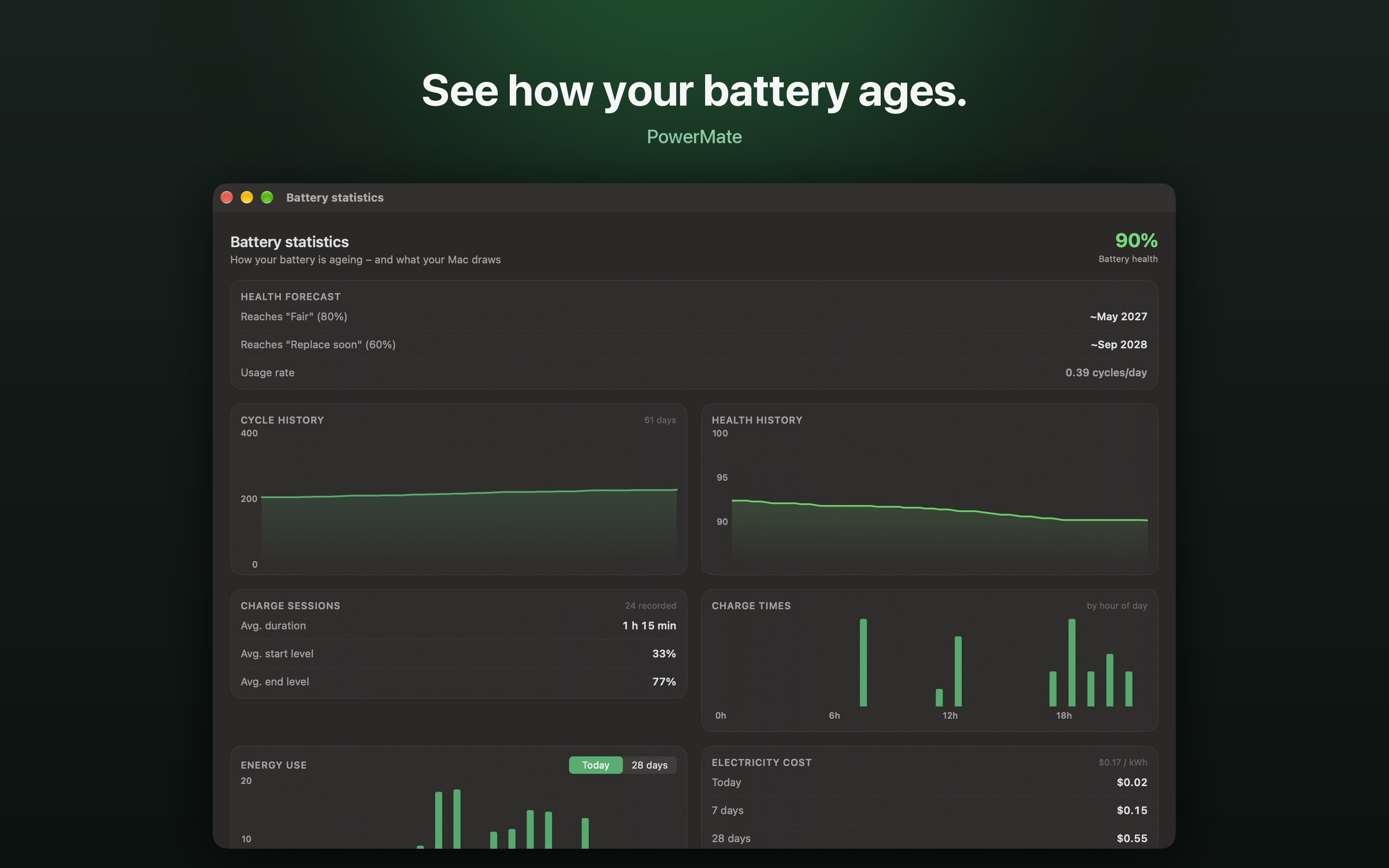
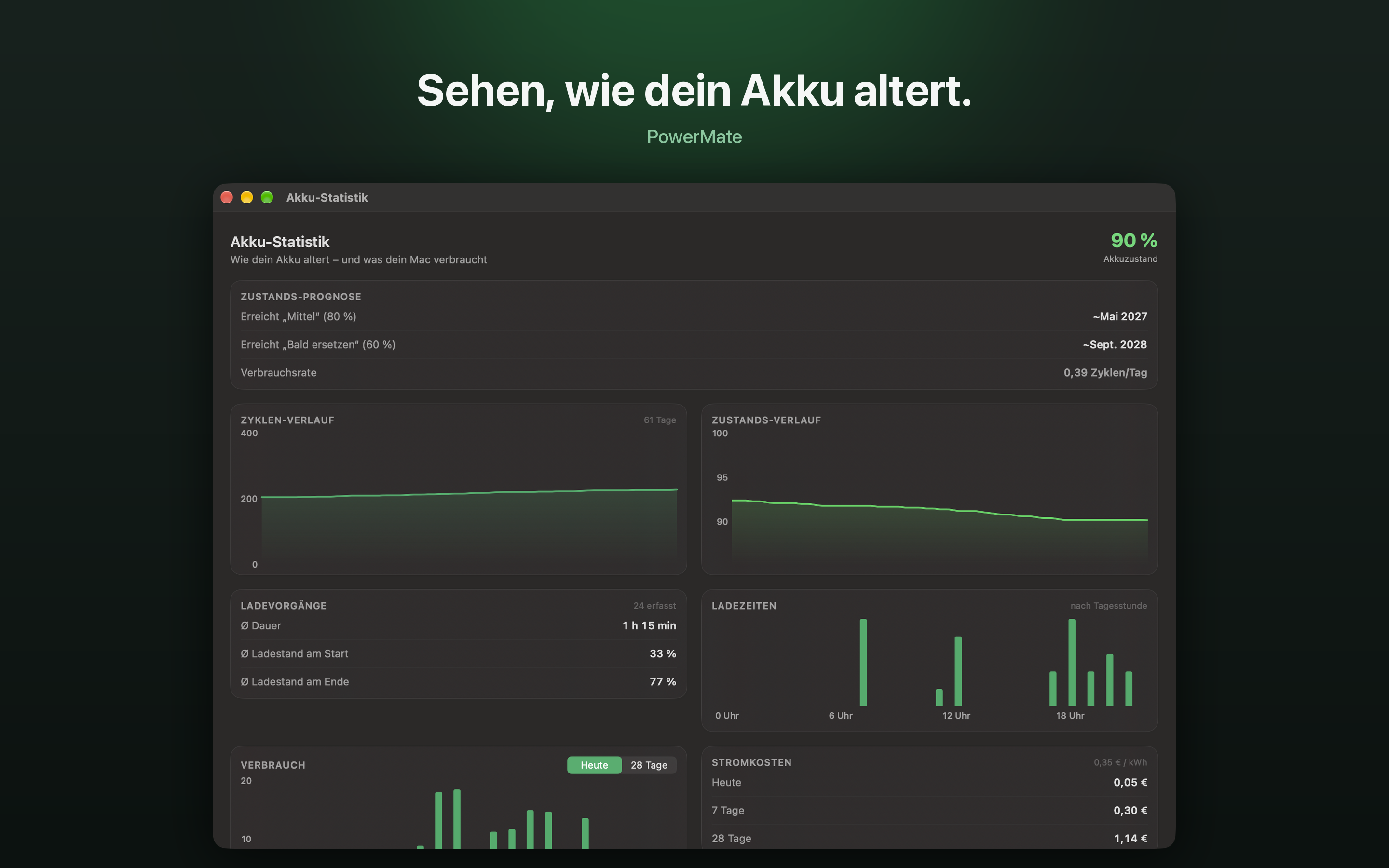
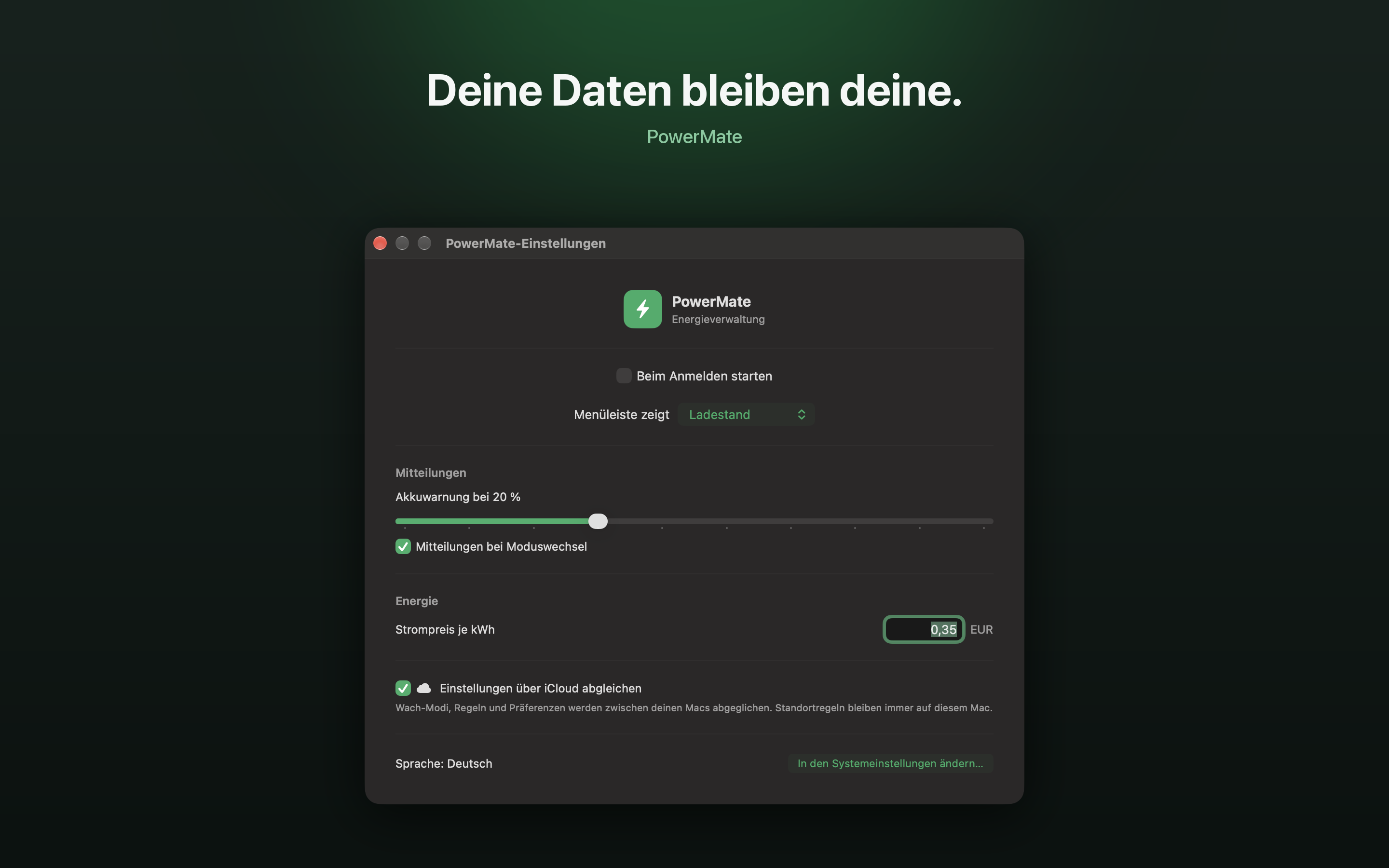
History and forecast show how health develops over up to 365 days, with an analysis of charging habits and CSV export. A charge alert notifies you at a threshold you choose.
PowerMate runs in the App Sandbox without helper tools or administrator rights. That is why it cannot stop charging or set sleep timers in minutes. What it cannot do, it does not claim. Free, every feature, no account, no tracking.
Screenshots
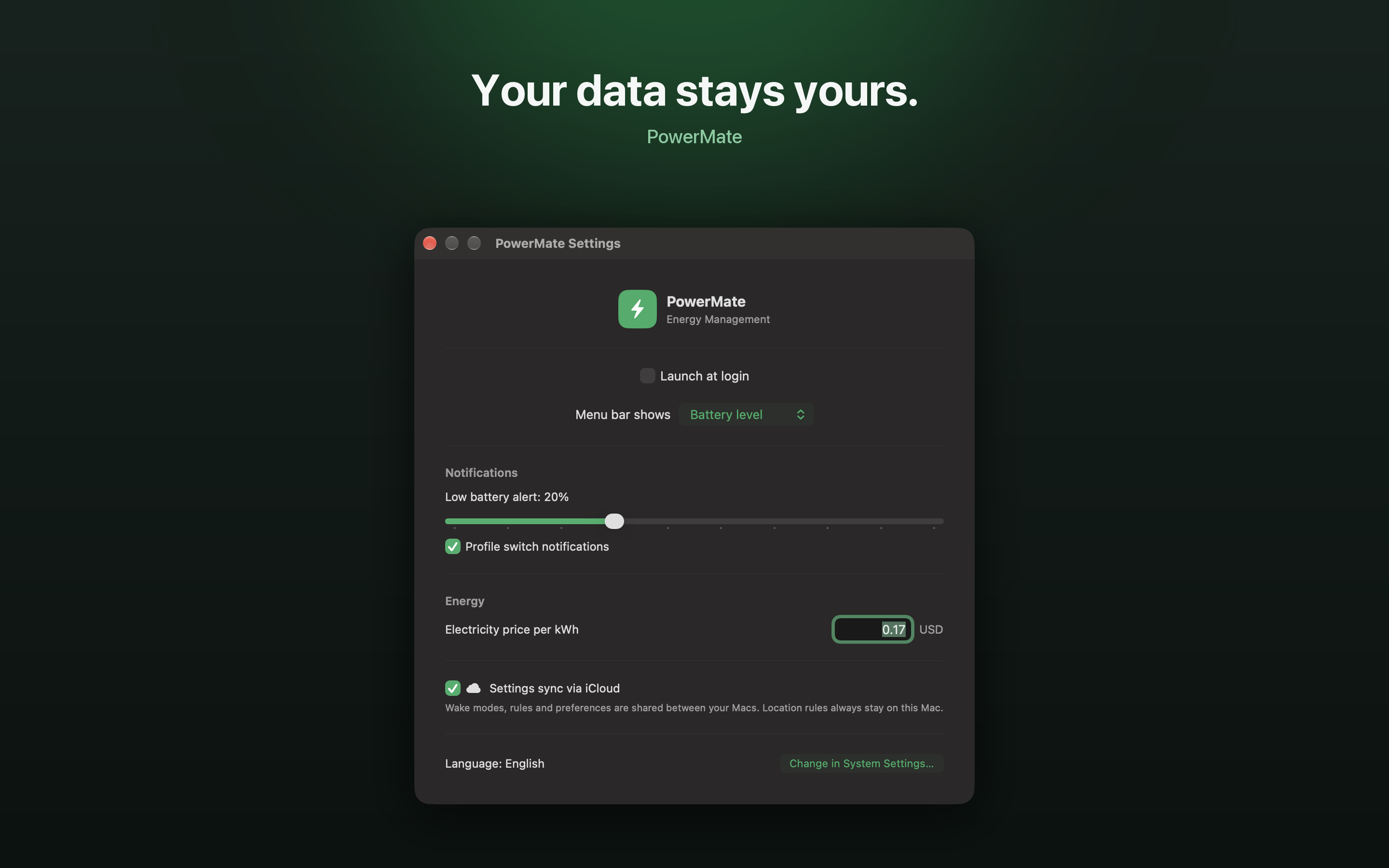
Screenshots of build 12, as in the Mac App Store. PNG, 2880 × 1800 pixels.
English
Deutsch
Contact
Andreas Schütz · powermate@atelieras.dev